
GuideGetting Start
Controls and interface
Updated 23 October 202619 views
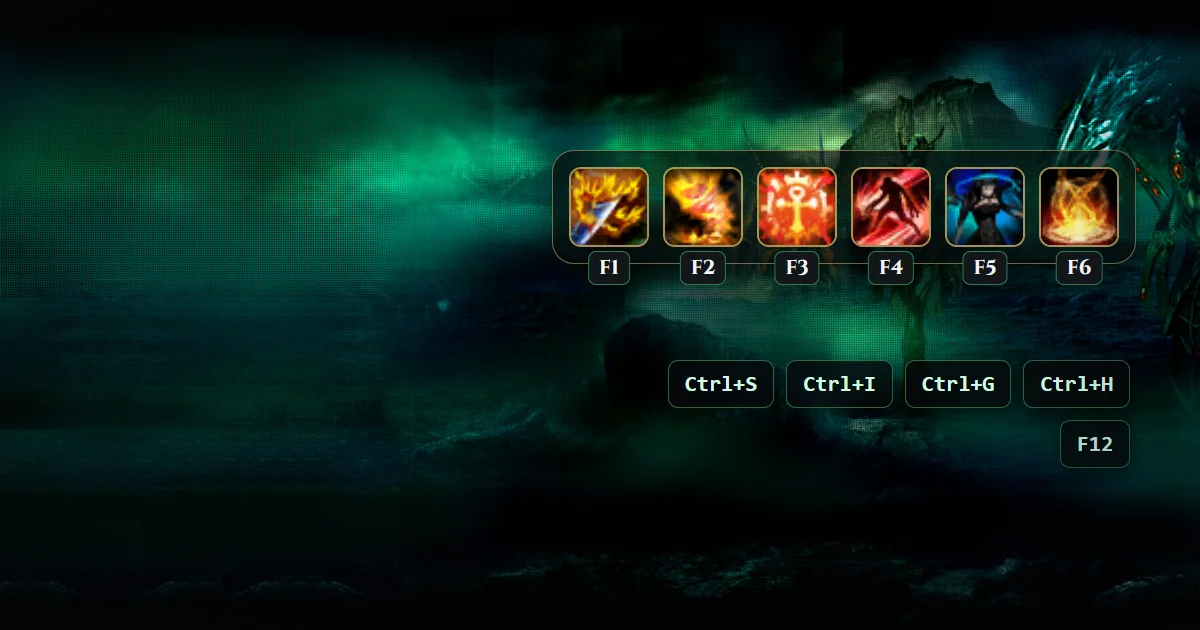
You play HAUNTED ONLINE mostly with the mouse, with a few keys for the windows you open most.
The mouse
- Left-click the ground to walk there.
- Left-click a monster to attack it. You keep attacking until it falls.
- Left-click an NPC to talk.
- Click an item on the ground to pick it up.
- Right-click an item in your bag to use it.
Keys
| Key | What it does |
|---|---|
| F1 to F6 | Use the skills on your skill bar |
| Number keys | Use the items on your item bar |
| Ctrl+S | Open your skills |
| Ctrl+I | Open your inventory |
| Ctrl+G | Open your gem inventory |
| Ctrl+H | Change your PK mode |
| F12 | Take a screenshot |
The screen
- Top left: your character, with your HP and MP.
- Top centre: your eudemons, each with its Sum and Dism buttons.
- Top right: the mini-map, with the map name and your coordinates above it and the PathFinding button below.
- Bottom: your skill bar, your Battle Power (BP) and your EXP bar, with buttons for the Shopping Mall, Sacrifice and the Eudemon Altar.